Foxl Documentation
Everything you need to run Foxl.
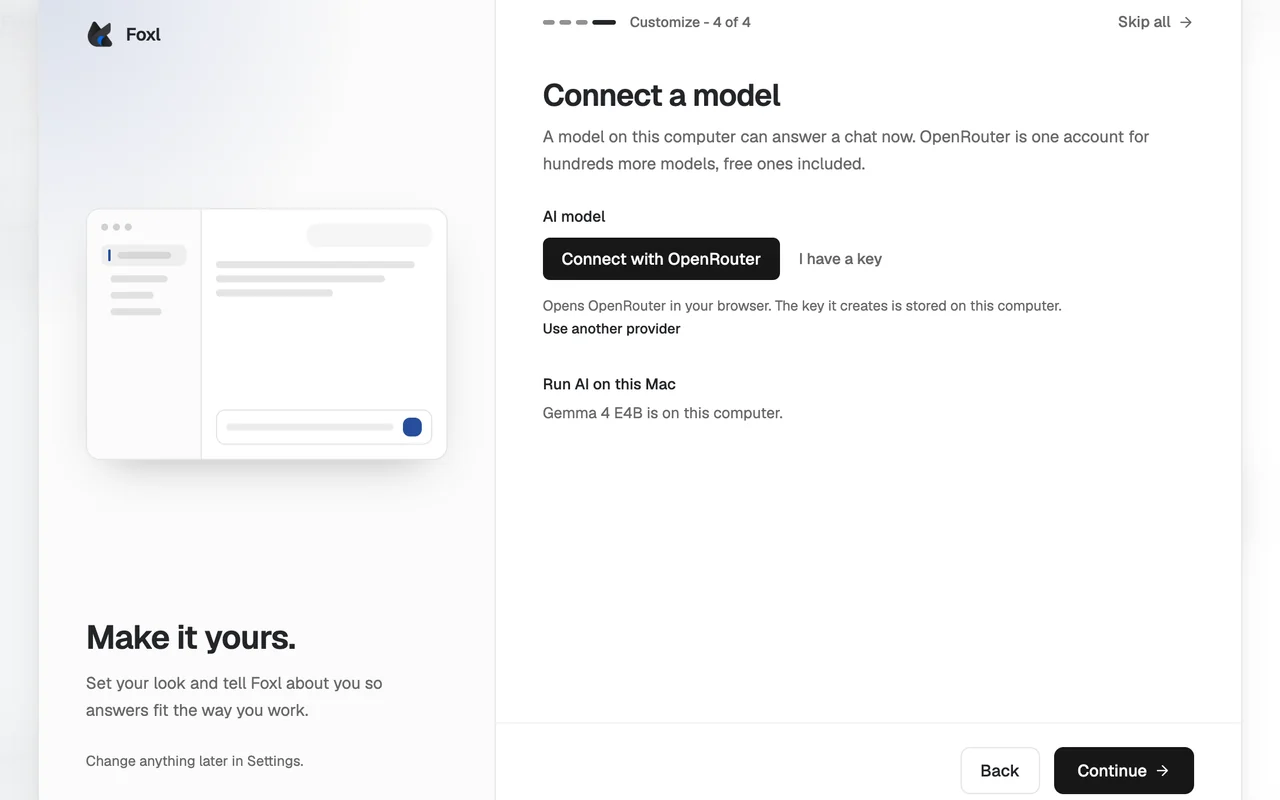
Install your 24/7 personal AI agent, connect your browser and channels, then wire up skills, tools, scheduling, and a fleet of cloud coding agents.
Products
Pick the surface that fits your work
Foxl Desktop
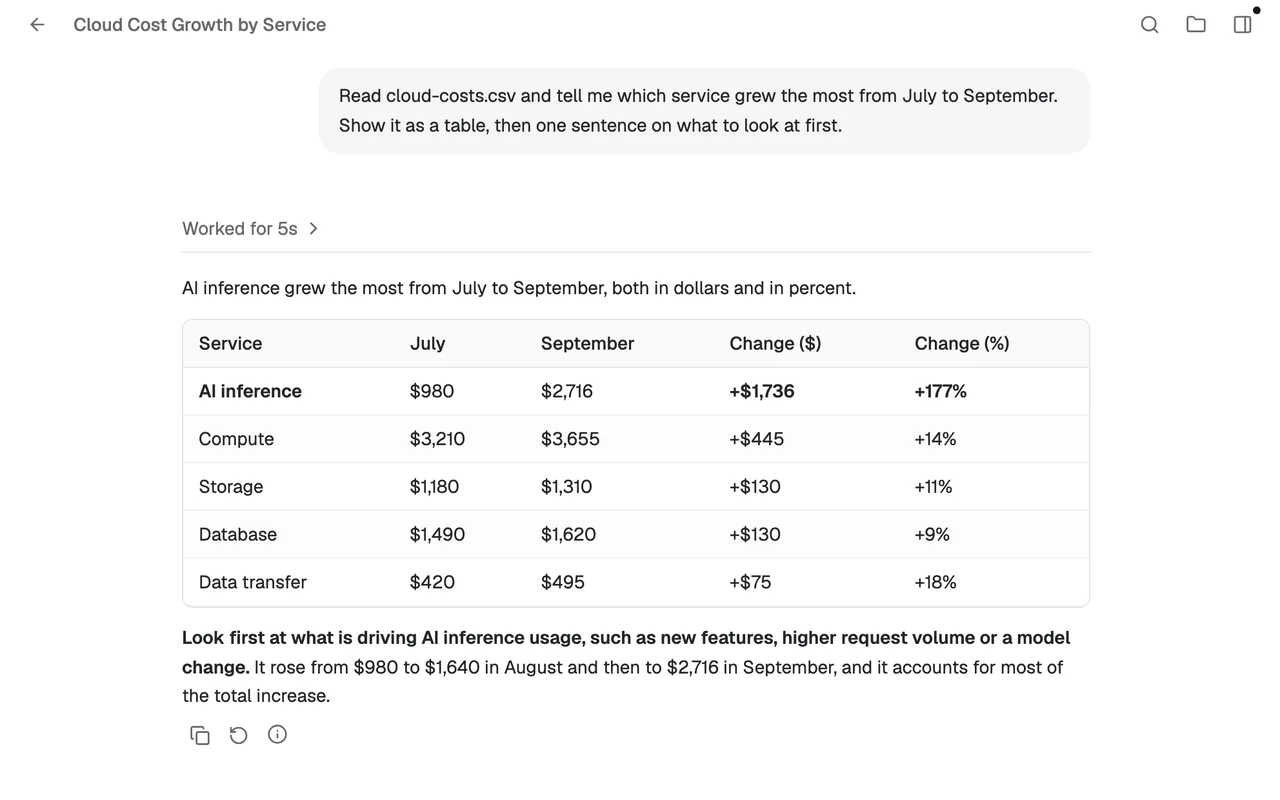
A 24/7 personal AI agent on your Mac or Windows. It drives your real Chrome, runs code, manages files, and automates recurring tasks - even while you sleep.
- Real browser control
- Persistent memory
- 24/7 scheduling
- Skill library
Foxl Code
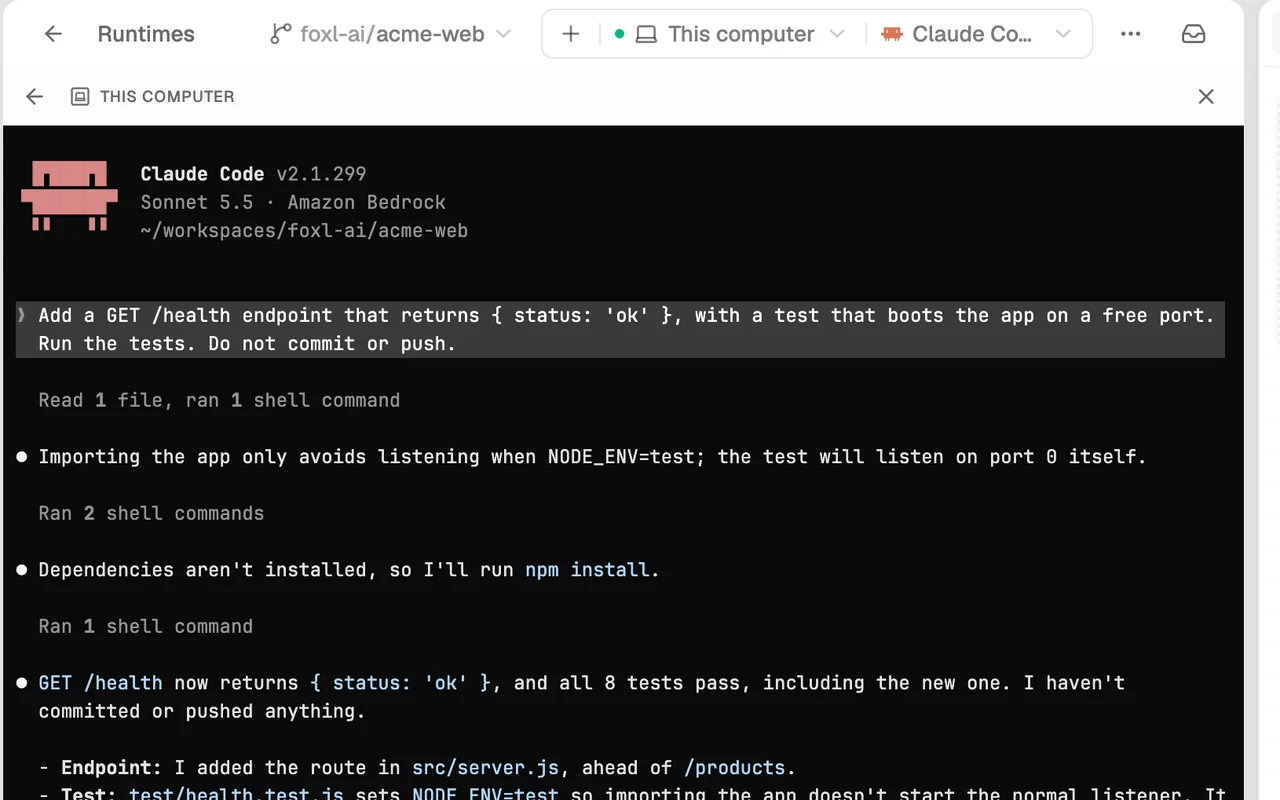
A fleet of autonomous coding agents at code.foxl.ai. Describe the work; an orchestrator plans it, spawns agents on isolated cloud VMs, and drives them to open pull requests.
- Plan-confirm-fan-out
- Isolated cloud VMs
- Opens real PRs
- Resume from review
Foxl Notes
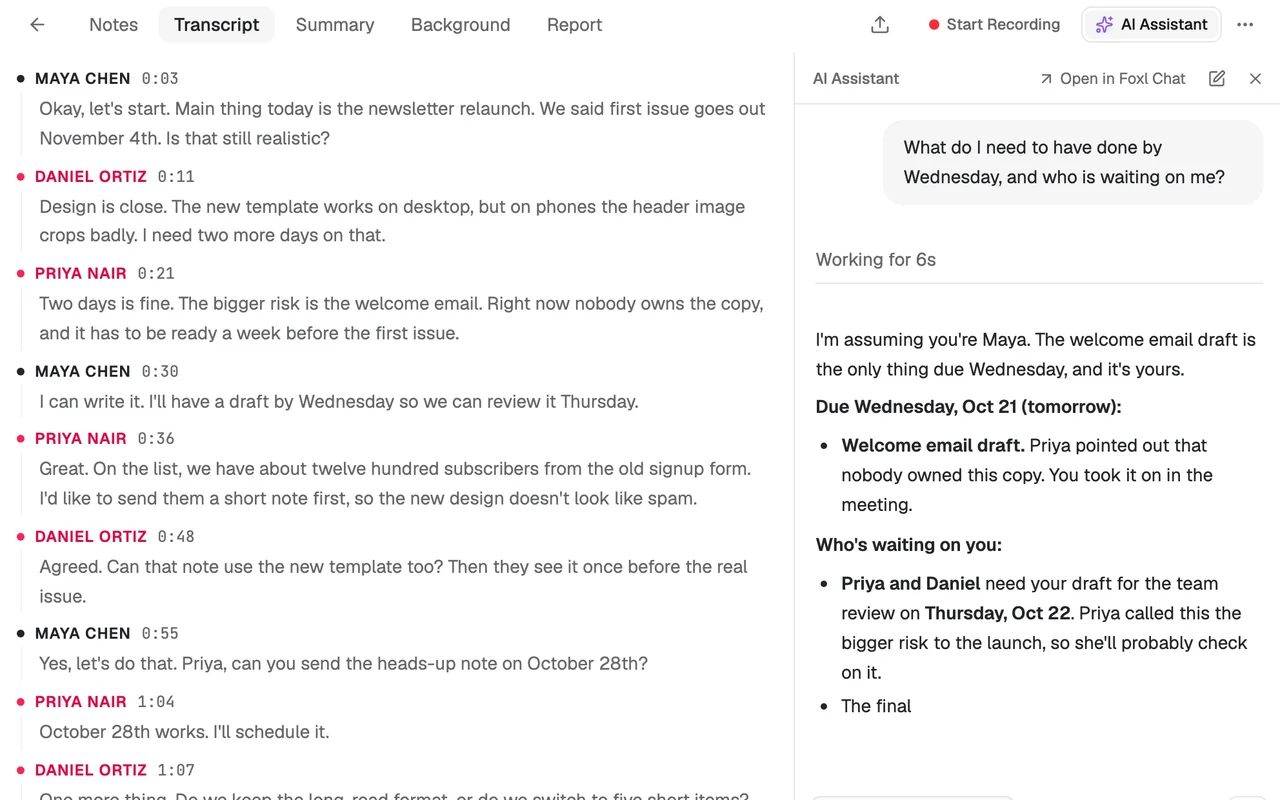
A meeting transcriber and AI note-taker built into the Foxl app. Record any call, get a live transcript, and turn it into a clean summary - on the same account and credits.
- Live transcription
- AI summaries
- Rich editor
- Your Foxl credits
Browse the docs
Jump straight to a topic
Install Foxl on your Mac or Windows machine, sign in on the web, and connect a browser.
How Foxl thinks and acts: models, tools, skills, memory, scheduling, and integrations.
A fleet of autonomous coding agents at code.foxl.ai that plan, branch, and open PRs.
Record meetings, get a live transcript, and turn it into an AI summary - inside the Foxl app.
Credits and billing, security posture, FAQ, troubleshooting, and community support.