
Foxl Code
A managed coding SaaS with cloud orchestration, coding agents, and usage-based credits
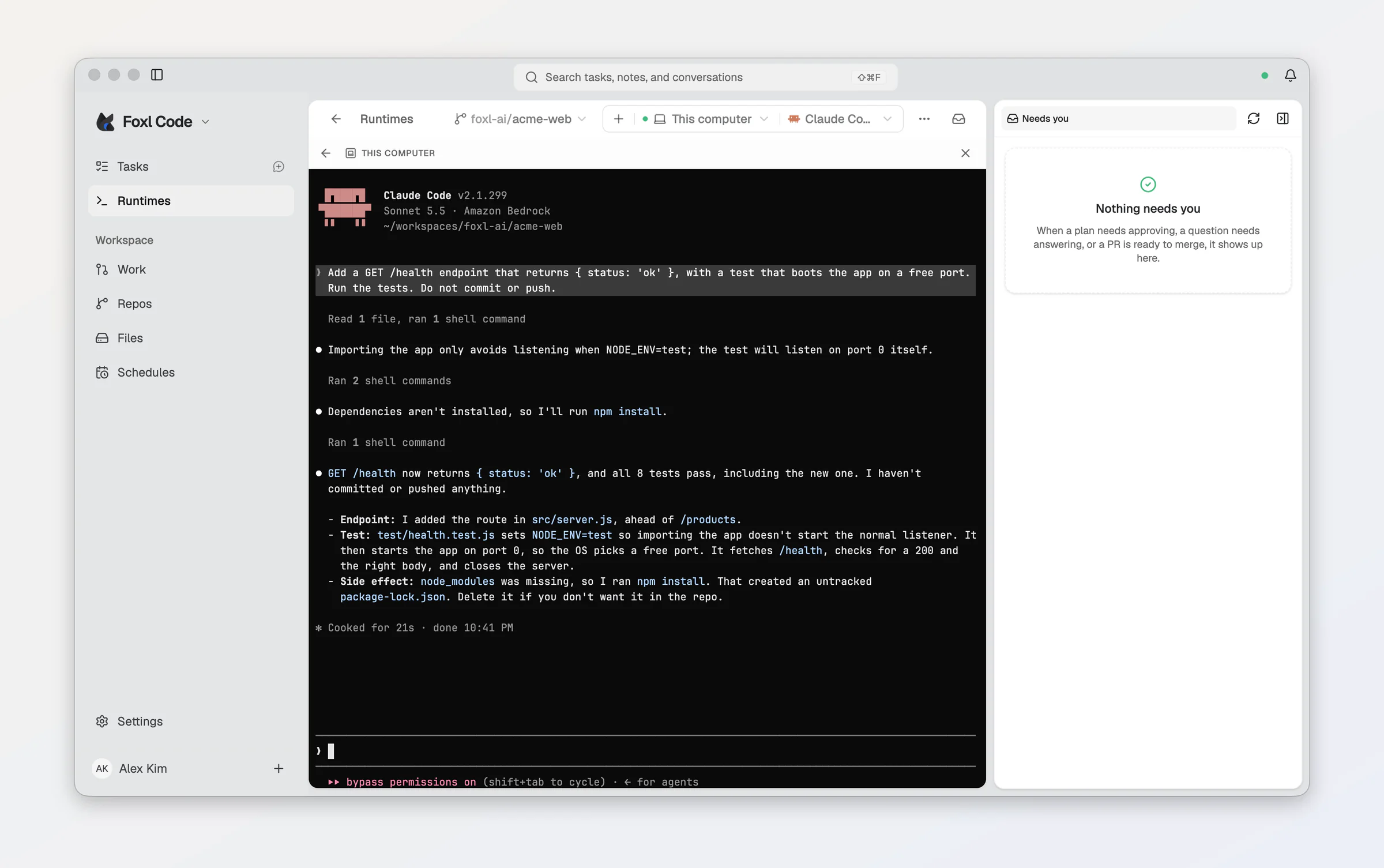
Foxl Code at code.foxl.ai is a managed coding SaaS. Describe the work, choose a model, and let the orchestrator coordinate coding agents that open pull requests. Foxl supplies model access through Amazon Bedrock and meters it against your Foxl credit balance. You do not need a model-provider API key, an AWS account, or a Claude/ChatGPT subscription to use the cloud service.
The site works on its own: no Foxl app installation, running app, or device pairing is required. Chat, tasks, terminals, search, and files use the cloud service. It does not connect to your local Foxl server or read your computer's files.
The Foxl desktop app has a separate model-access path. Its local orchestrator and local coding agents continue to use your own provider keys, local models, or supported subscriptions (BYOK/BYOA). Foxl Code inside the desktop app uses the managed service by default; choose This computer under Where Foxl Code runs in Settings > Code > Coding agent to use the local path. Opening a Remote task from the desktop app uses the same managed Code service and credits as the browser. See Model access.
Foxl Code is in private beta, open to invited accounts. Access is granted per account; an account not yet enabled sees a private beta notice. Contact [email protected] about access.
Start a task
- Sign in, connect a repository through the GitHub App, and check your credit balance.
- Choose an orchestrator model in chat and a coding agent under Settings > Code > Coding agent.
- Describe what you want built or fixed. For a small request, the orchestrator can start a coding agent in the same turn.
- Work spanning several pull requests becomes a Task Document. Confirm the plan to start its agents.
- Watch the terminal, review the changes, and reply if an agent needs your input.
Cloud coding agents use Claude Code, Codex, Hermes, or OpenCode with Foxl-managed model access; Kiro and Cursor also run on Remote with your own vendor API key. Each Remote task runs in an isolated machine with a real filesystem and terminal. The orchestrator's model and the coding agent's model are separate choices.
Desktop and other machines
You can also open Code inside the Foxl desktop app, where it runs on Remote by default, like code.foxl.ai. Choosing This computer under Where Foxl Code runs in Settings > Code > Coding agent runs chat and tasks locally with your own CLI login and provider billing; that option is unavailable on code.foxl.ai. Remote uses the managed SaaS. A machine connected to the cloud service supplies its own compute while its managed task's model calls still use Foxl Relay. See On your own computer.
Read next
- Model access - SaaS credits, desktop app BYOK/BYOA, and the managed model catalog.
- How it works - orchestration and the plan-confirm-fan-out flow.
- Coding agents - cloud backends and model compatibility.
- Tasks and Work - lifecycle, running work, and review.
- GitHub - repositories, pushes, pull requests,
@foxlmentions, and each repository's automation and environment. - On your own computer - local tasks, worktrees, and machines you add.
- Budgets and tiers - token charges, compute, and spending controls.
- Autonomous loop, Resume from review, and Review on approval.